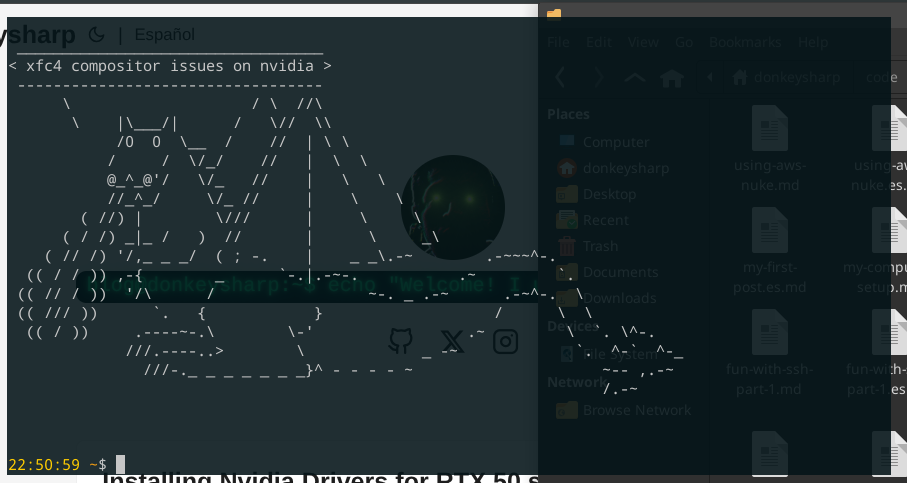
Hey everyone! In this post I’m gonna explain you about an issue I have with the latest version of Nvidia driver (at the time of writing) 580.126.18 and Xfce4 compositor. The solution is very simple command, but if you want to understand a little bit more about desktop environments and some concepts behind, I will give a broader explanation of the bug and why the fix worked.
tl;dr
In order to fix my issue with the compositor, which is something that is recommended on multiple forums is to set the vblank_mode to xpresent and restart in my case lightdm.
xfconf-query -c xfwm4 -p /general/vblank_mode -s xpresent
sudo systemctl restart lightdm
If you want to understand a little bit of desktop environments and why this fix works, keep reading!
My Xfce4 setup
I’ve been using Xfce4 as my main desktop environment since 2013 and usually the same “look and feel” since 2015 —you might say I’m a boring person in terms of desktop environments, and the answer is a huge yes! 😂. The reason is that it’s a setup where I feel very productive and does not change (a lot) between major OS upgrades, so my muscular memory is very tied to it. As a matter of fact, when I install a new OS, I created this project where I make any new installation to look the same, have same software, settings, etc. I’ve been using it since 2019.
In my previous post I showed you how to install RTX 5070 Ti Graphic Cards driver on Debian 13 Trixie. With all drivers before 580.105.08, I didn’t have any issue at all, but when I upgraded to the latest one 580.126.18. I started having some issues, specifically with my terminal, but under the hood, it was an issue of Xfce4 compositor
The terminal and compositor issue
One of the settings of the look and feel is to enable transparency on my terminal, as you can see on this post’s banner.
So after installing driver version 580.126.18. I noticed that my terminal was blinking when multiple lines were printed to the stdout e.g. sudo apt update output. So to replicate the issue, I executed the yes command on multiple terminals and indeed, the whole terminal and part of the desktop started blinking, it was very annoying.
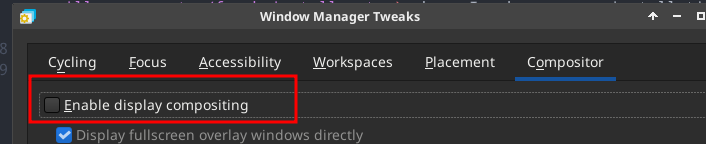
I had similar issues when I started using Xfce4, so the first thing I tried was to disable compositor. Settings Manager > Windows Manager Tweaks > Compositor tab and uncheck “Enable display compositing”.
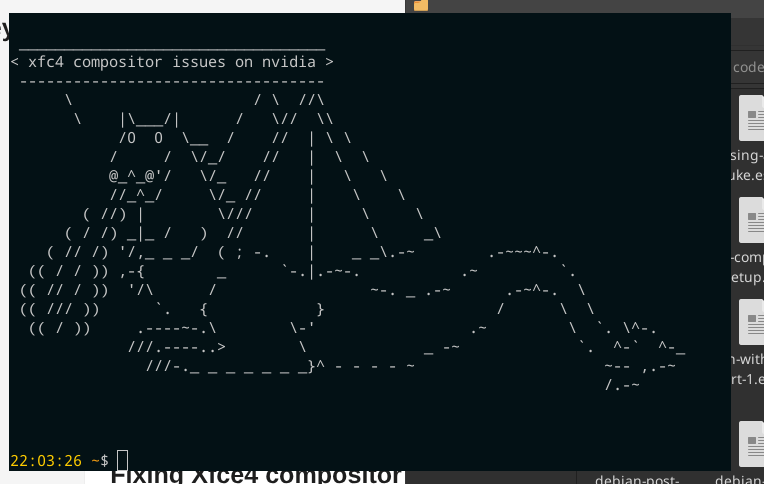
After that the issue was not longer there, but it looked like the next image, with no transparencies, which was something I didn’t want. But now I was sure it was a compositor issue.
So, as I’m too far from being an expert on desktop environments, I found this as a opportunity to learn more about them.
The Xfce4 compositor and compositing in general
Xfce4 under the hood communicate with Xorg X Server, which provide the backbone APIs to create windows and in general draw to the screen. In Xorg there is a root window, and all other windows (the ones you use on a daily basis) are drawn inside this root window. A window is nothing but an X,Y coordinate + width and height.
Without a compositor,